Rideshare drivers
Record everyday driving with a session you start yourself, which can continue in the background when Android conditions allow.

DASHCAM • ANDROID
For rideshare drivers, truck drivers and travelers: record drives with the rear camera, keep a recording you started running while using another app, and manage videos locally.
APP PREVIEW
Official localized screenshots covering recording, the library, saving, playback, settings and privacy.
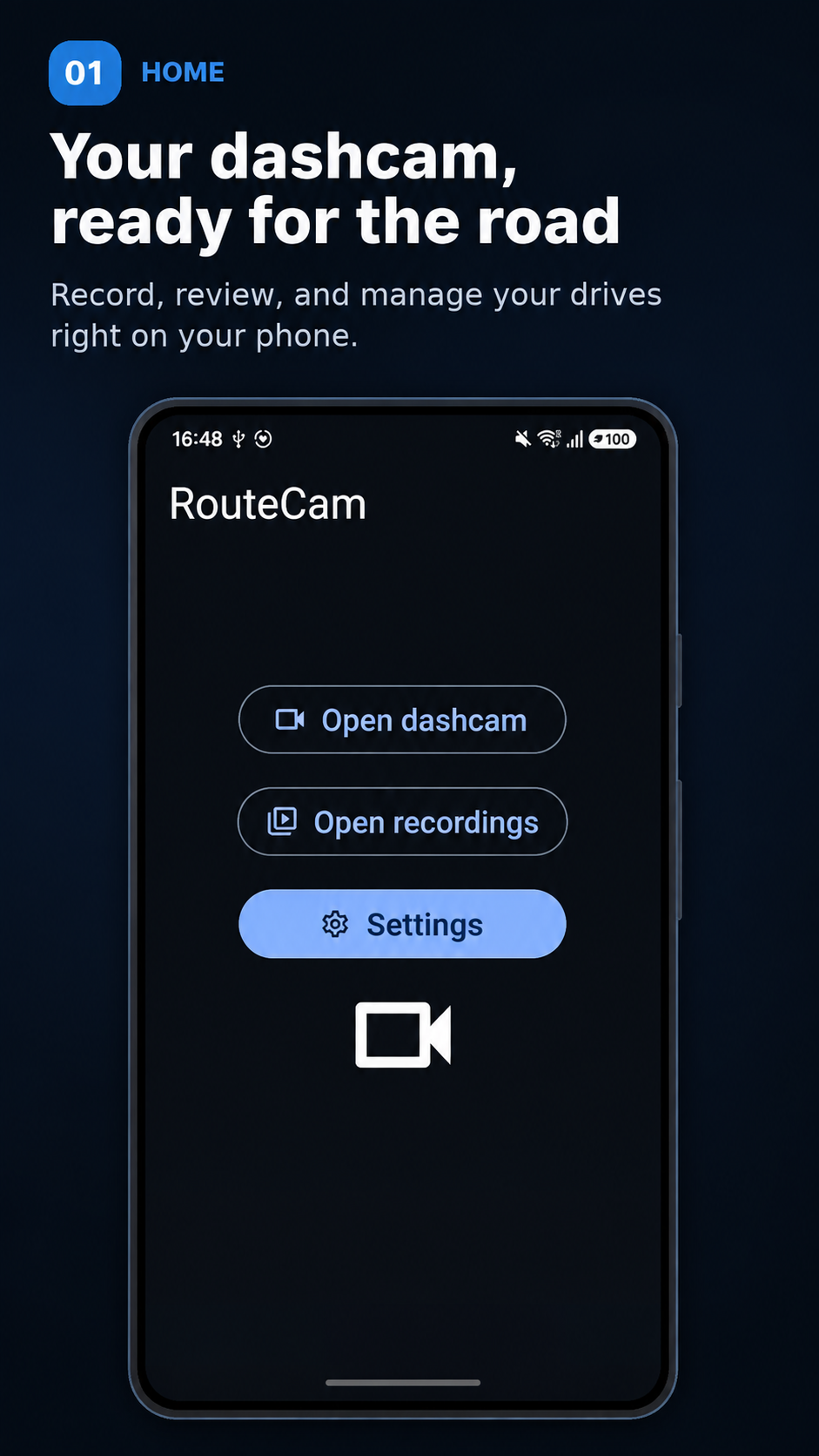
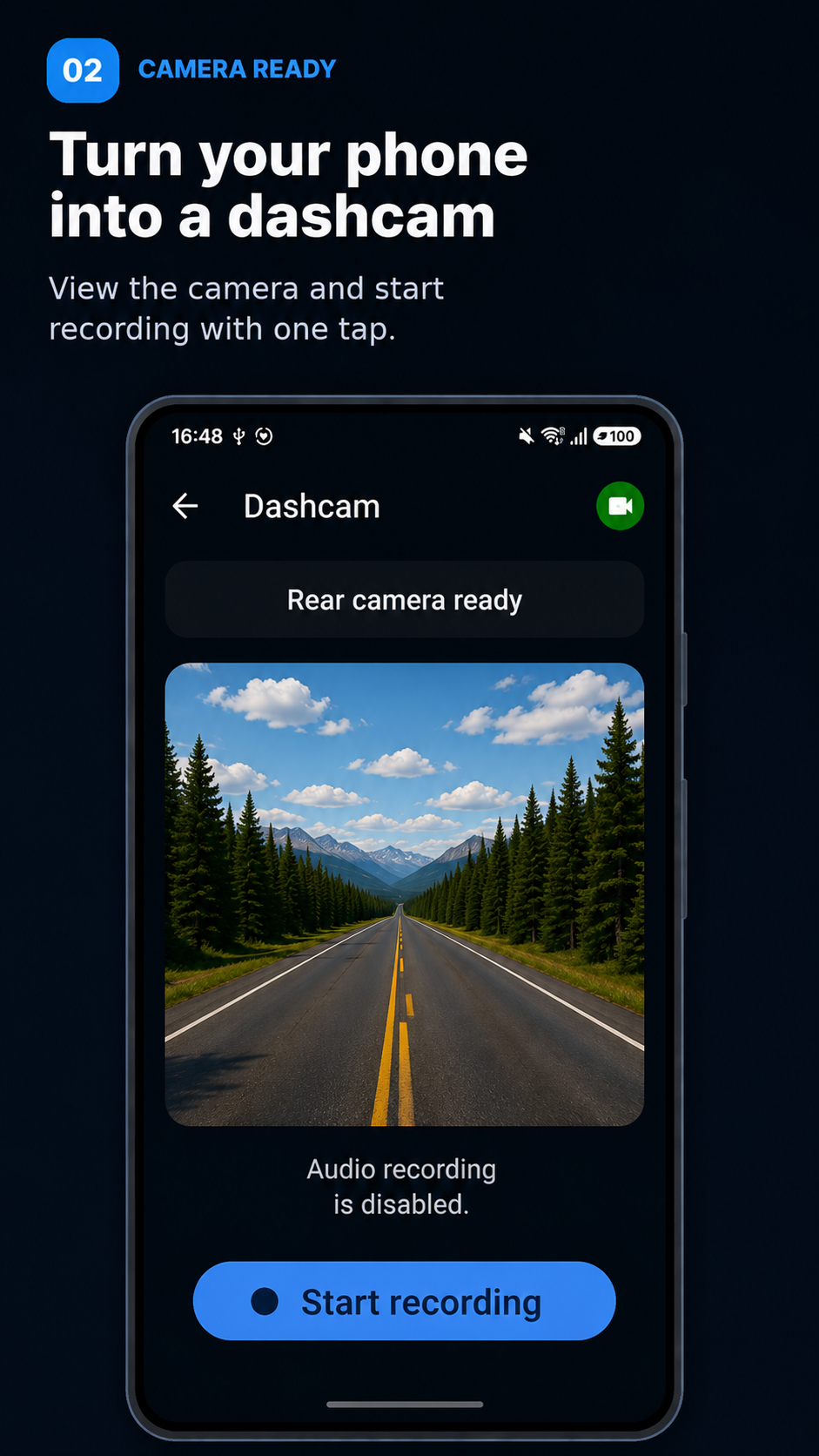
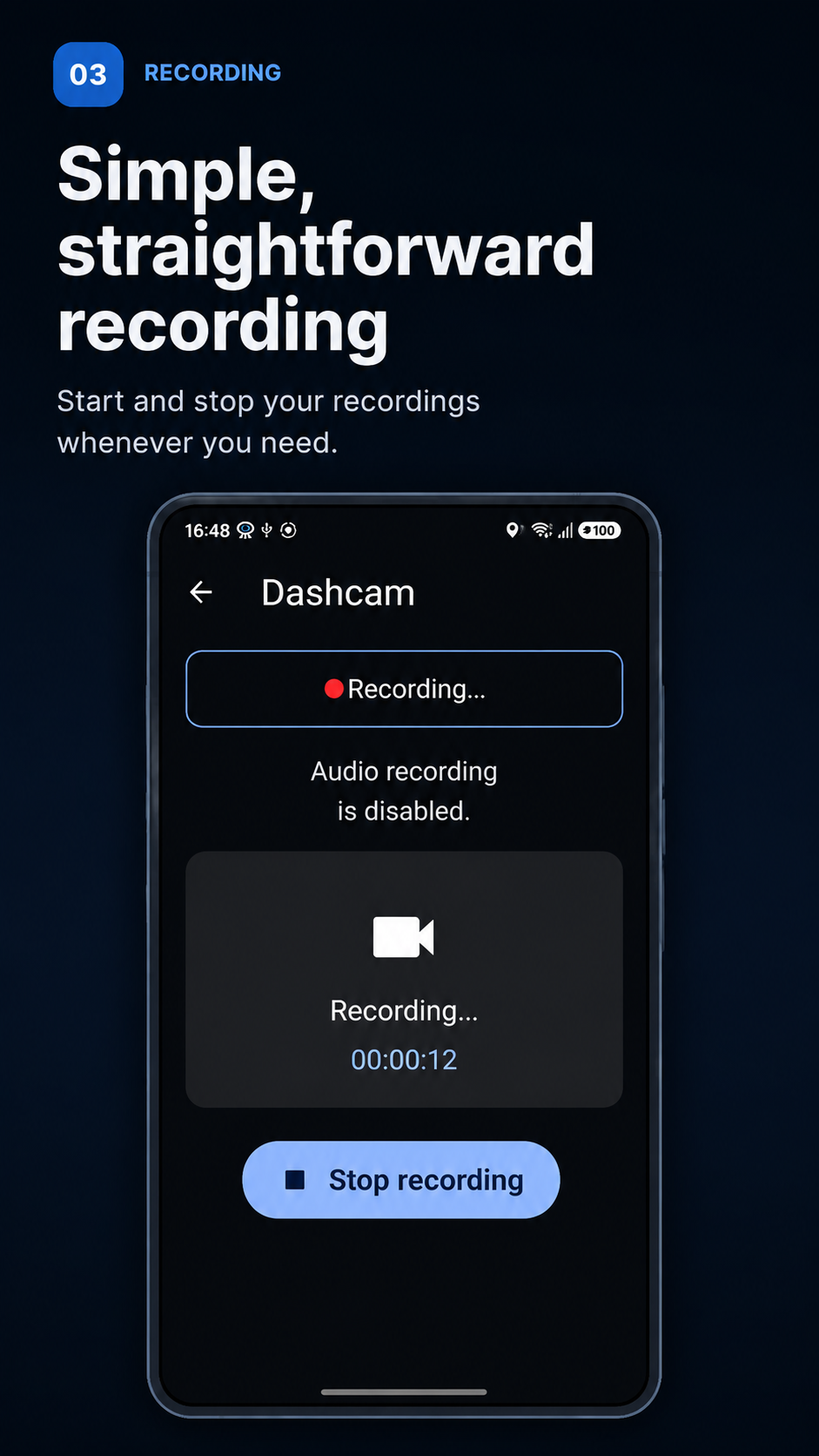
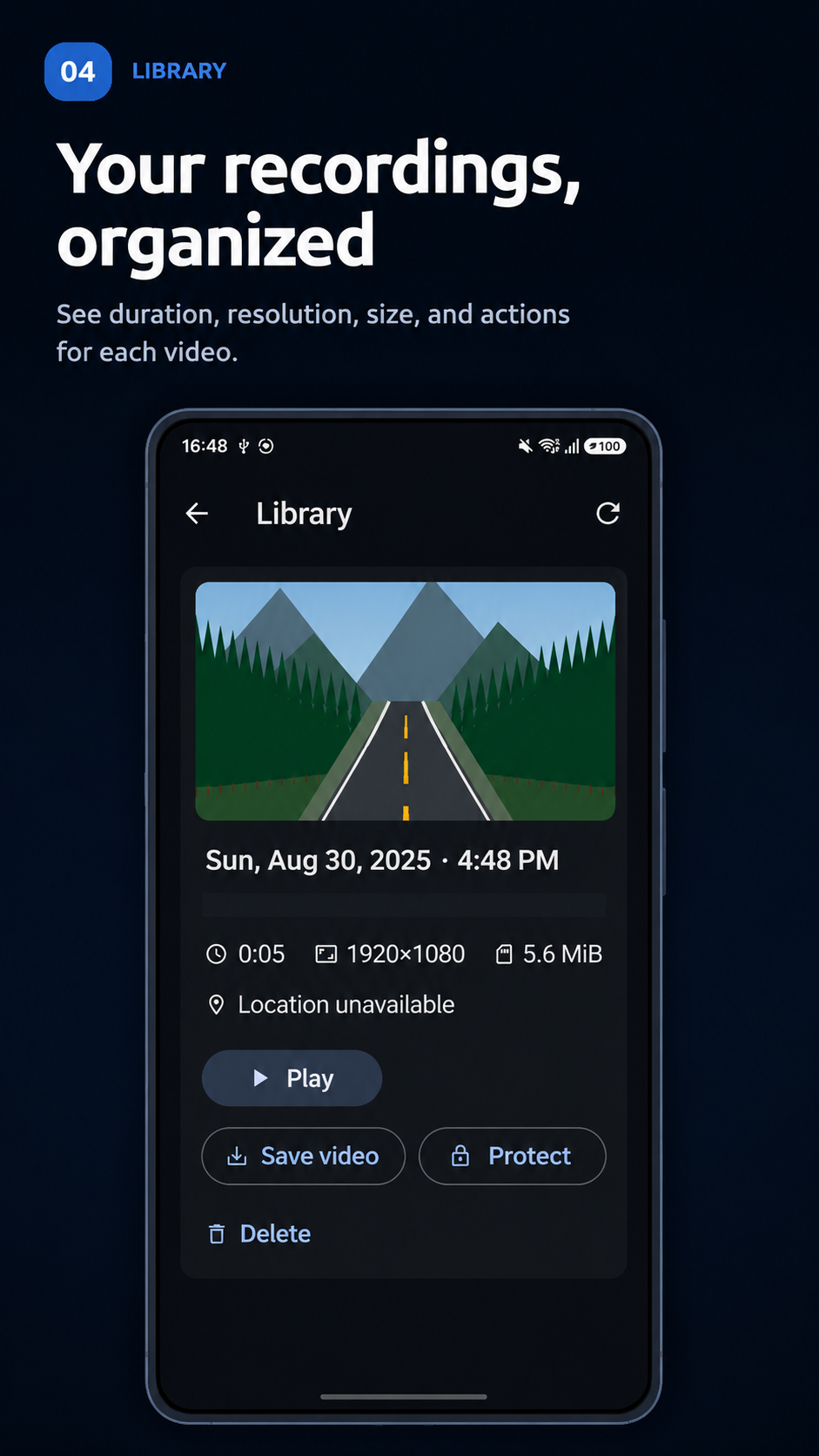
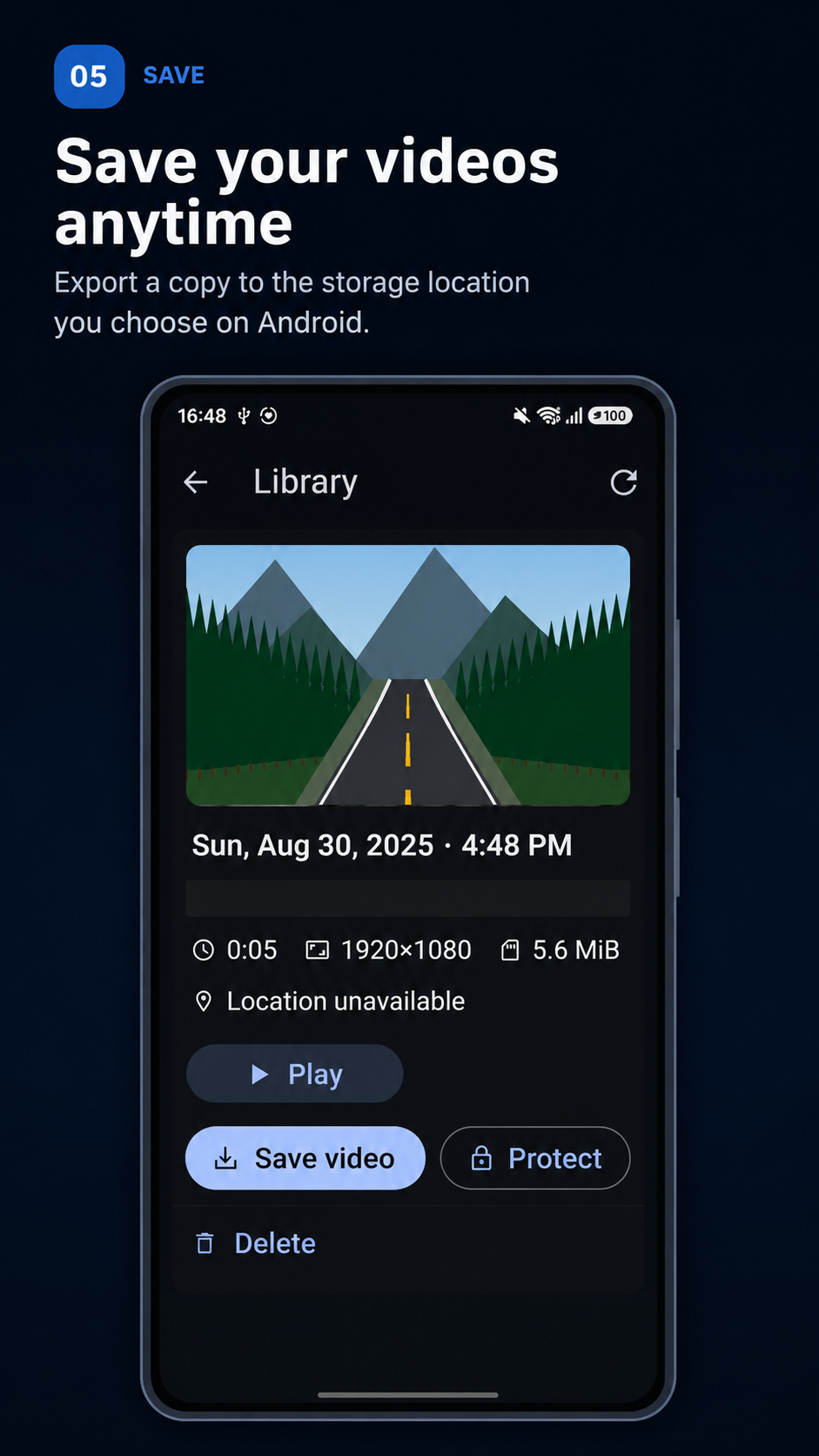
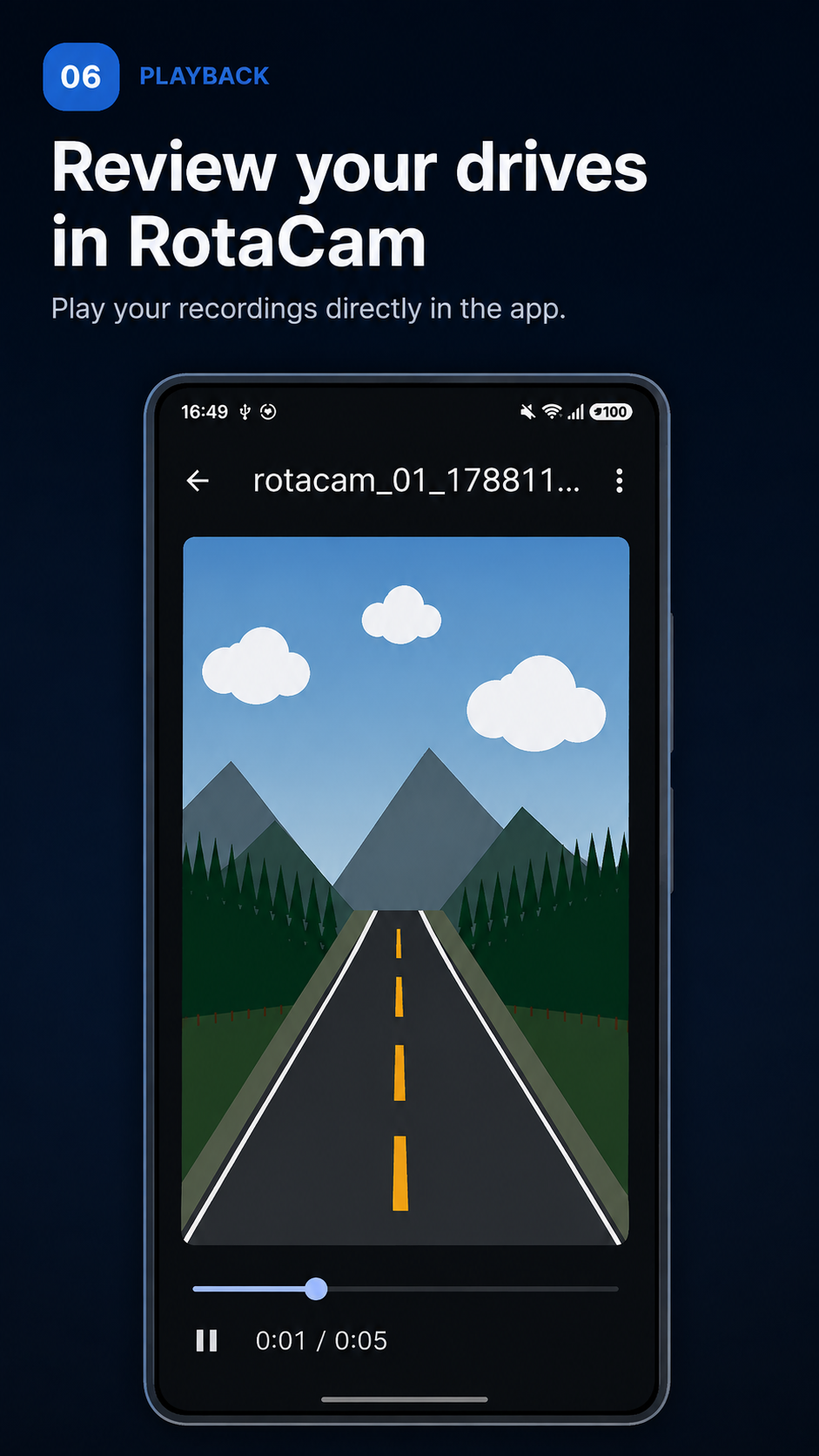
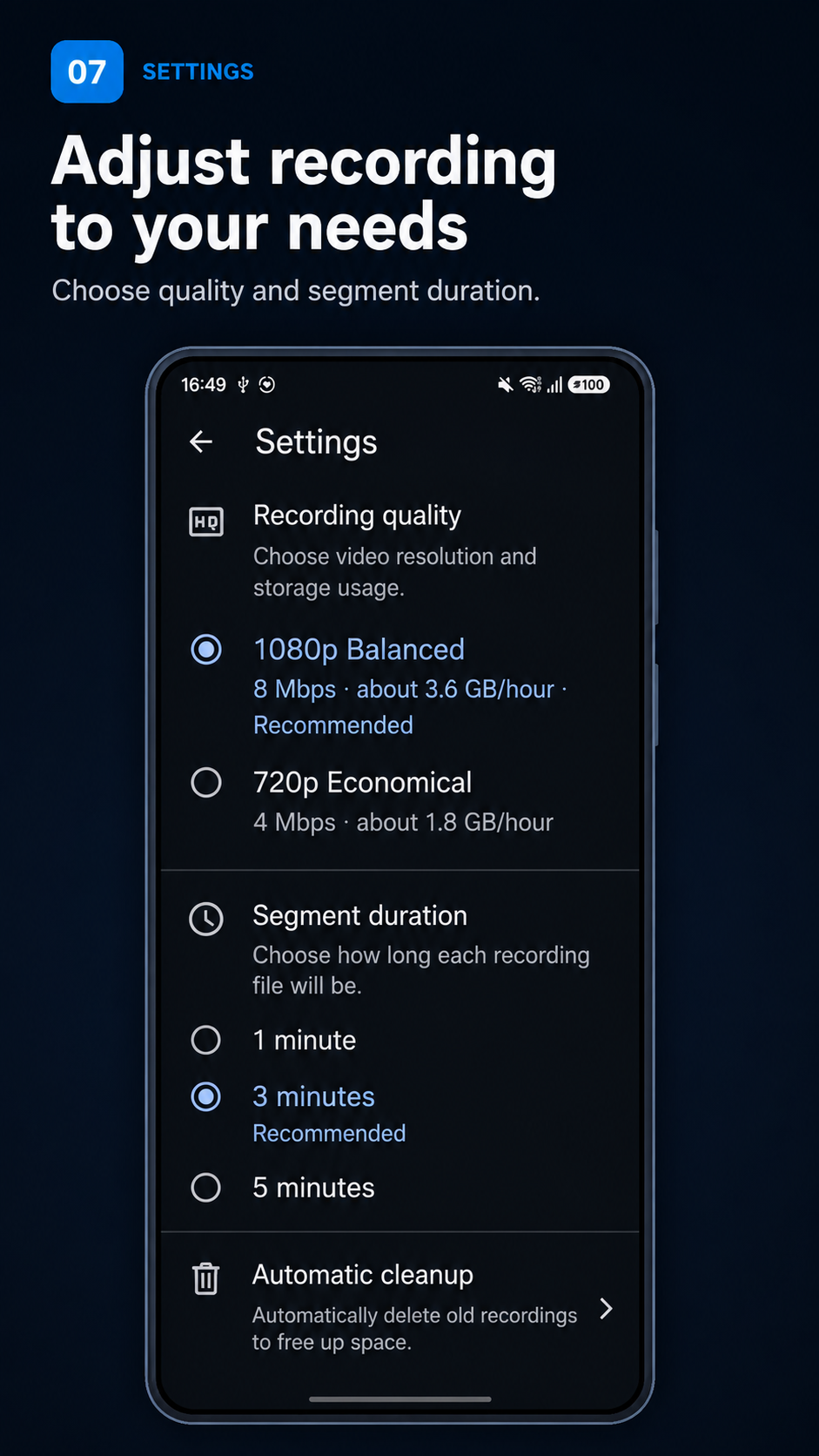
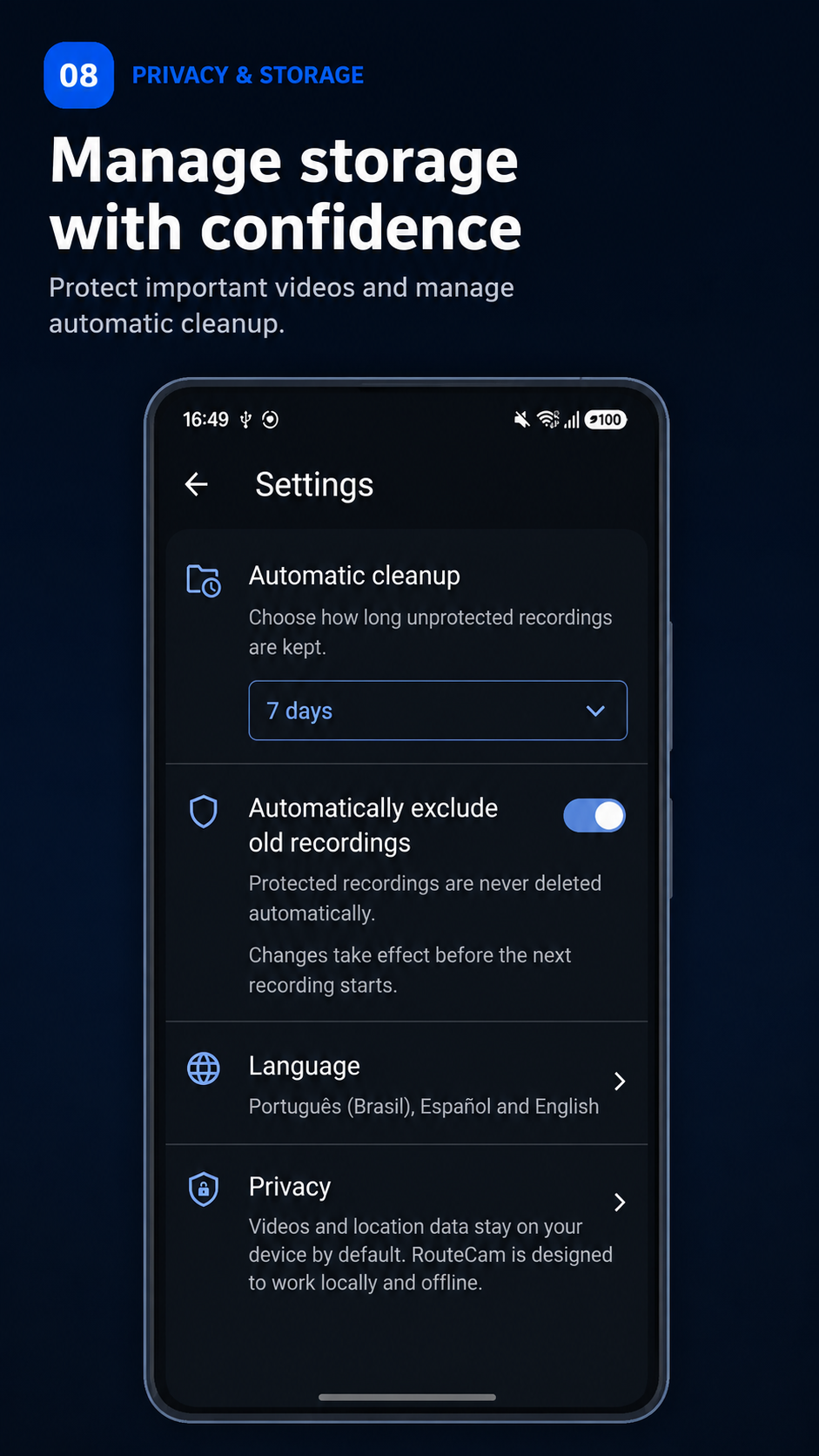
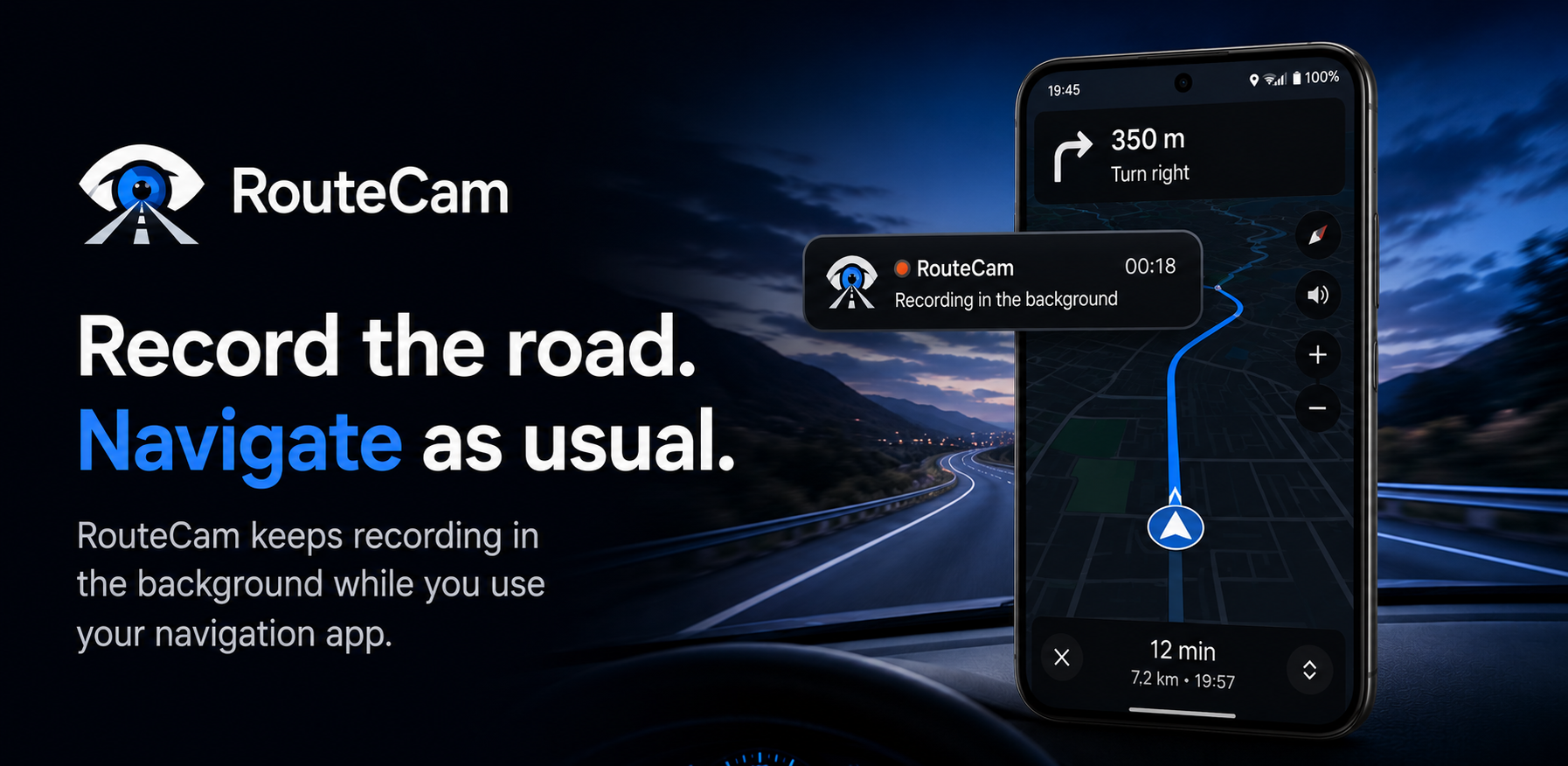
Core recording, playback and video-management features do not depend on cloud storage.
FOR PEOPLE ON THE ROAD
At work or on a trip, use RouteCam to record drives and organize videos directly on your phone.
Record everyday driving with a session you start yourself, which can continue in the background when Android conditions allow.
Record parts of longer journeys and organize videos in the local library, protecting recordings you want to keep.
Keep a visual record of your drives and choose when to save or share a video copy.
Set up your phone and start recording while safely parked. Respect other people’s privacy and local recording laws.
REAL-WORLD ROAD SCENARIOS
For truck drivers, rideshare drivers and travelers, an Android dashcam can record the context around unexpected hazards. These illustrative scenes show when a visual record of the drive may be useful.
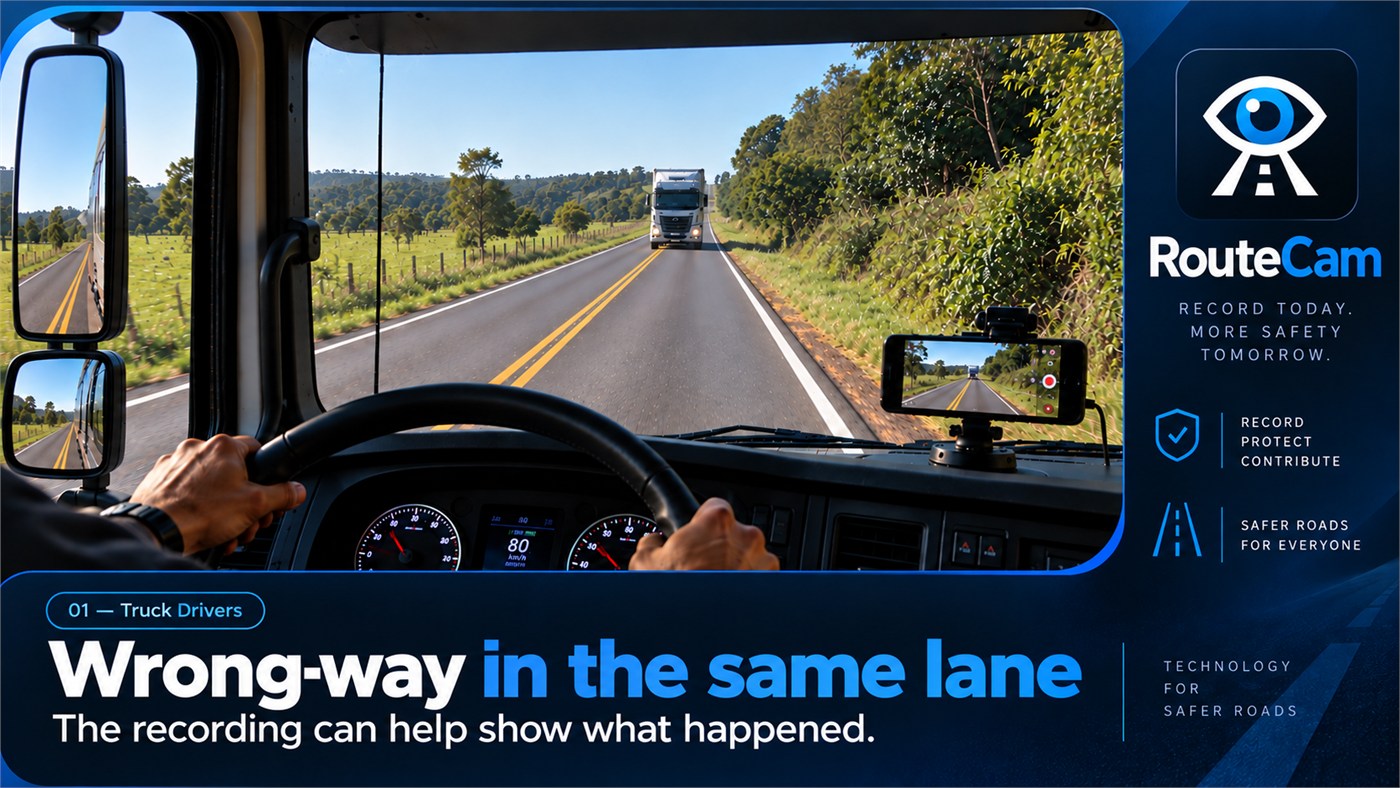
An approaching truck on a narrow highway demands attention. A dashcam recording may help document the context of an incident.
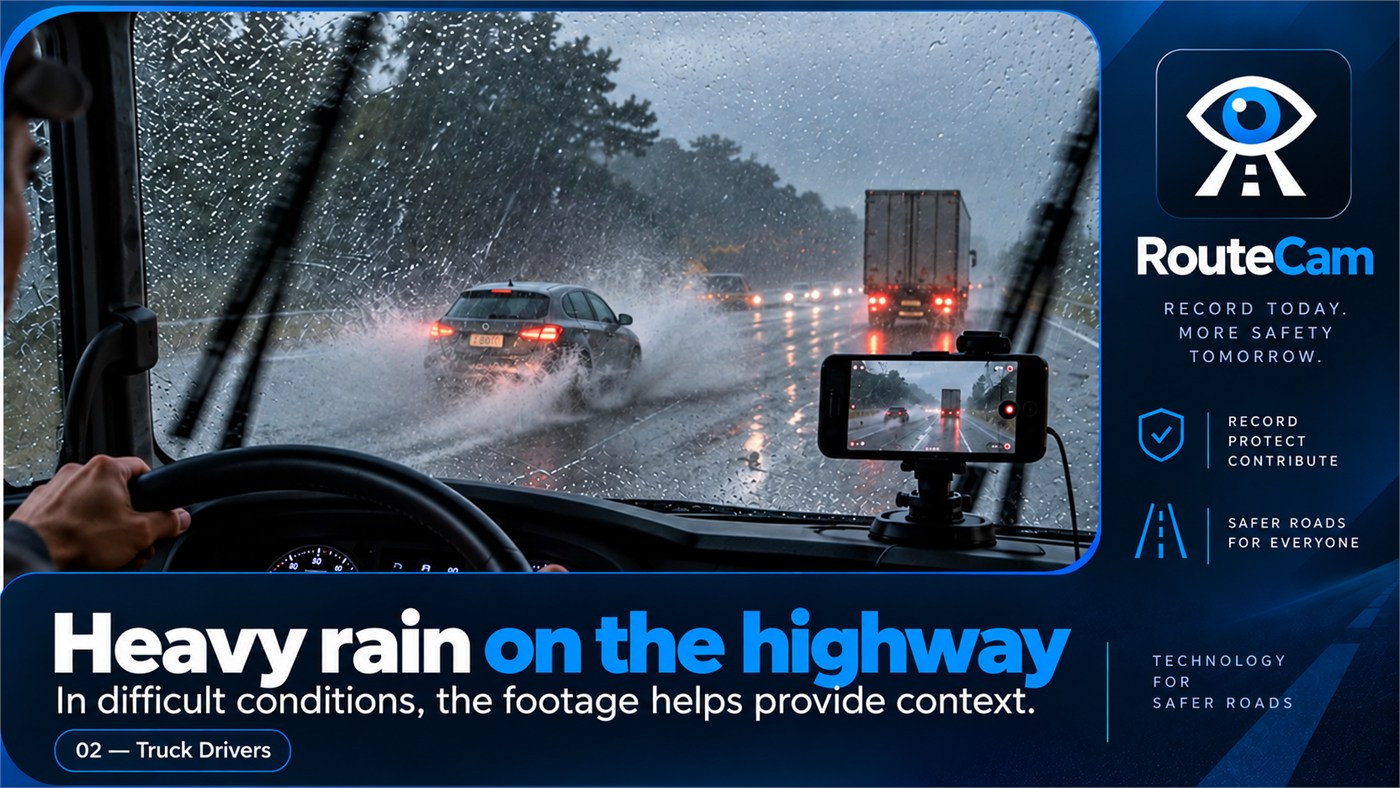
Sudden maneuvers become harder to anticipate in a downpour. Recording the road can preserve visual context from the journey.
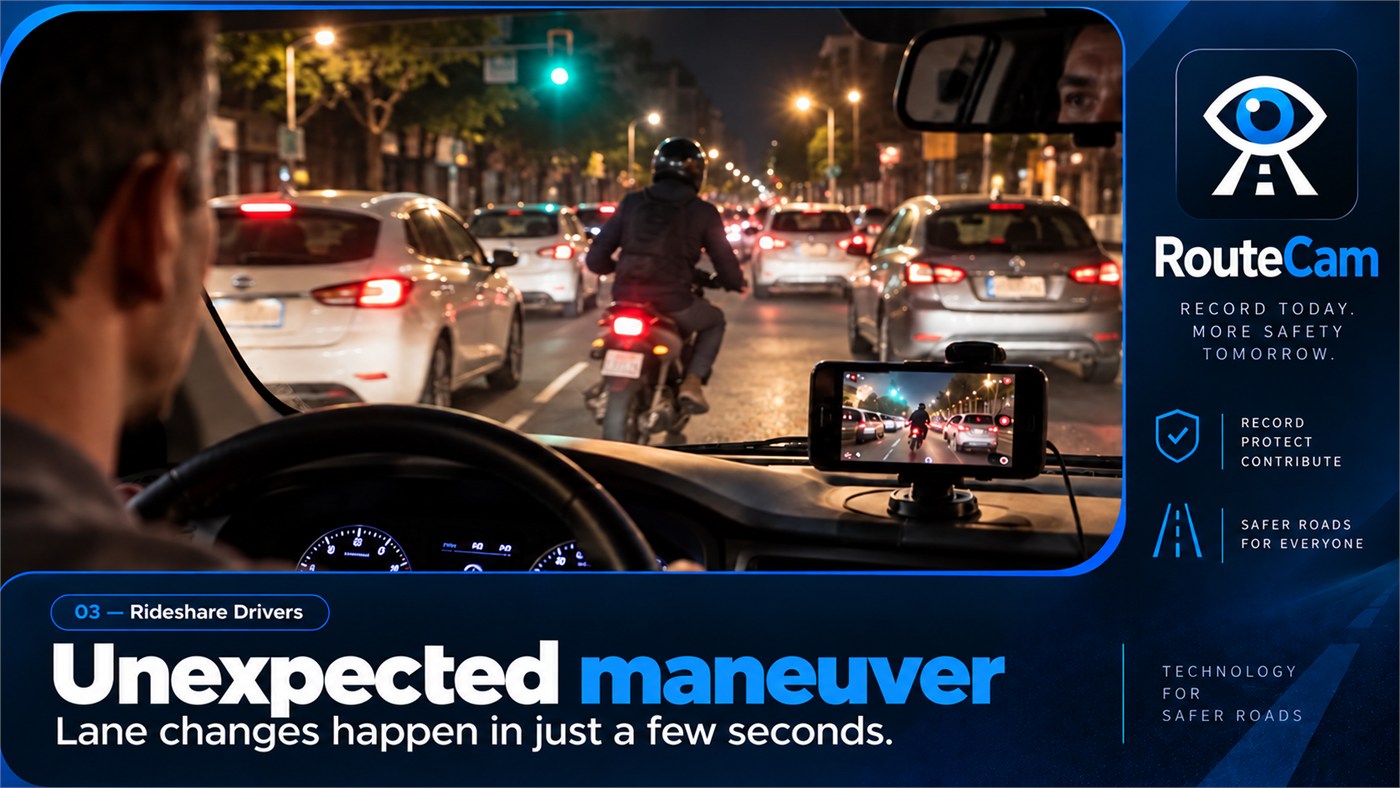
City traffic can change in an instant. Dashcam video during a rideshare trip may help show how events unfolded.
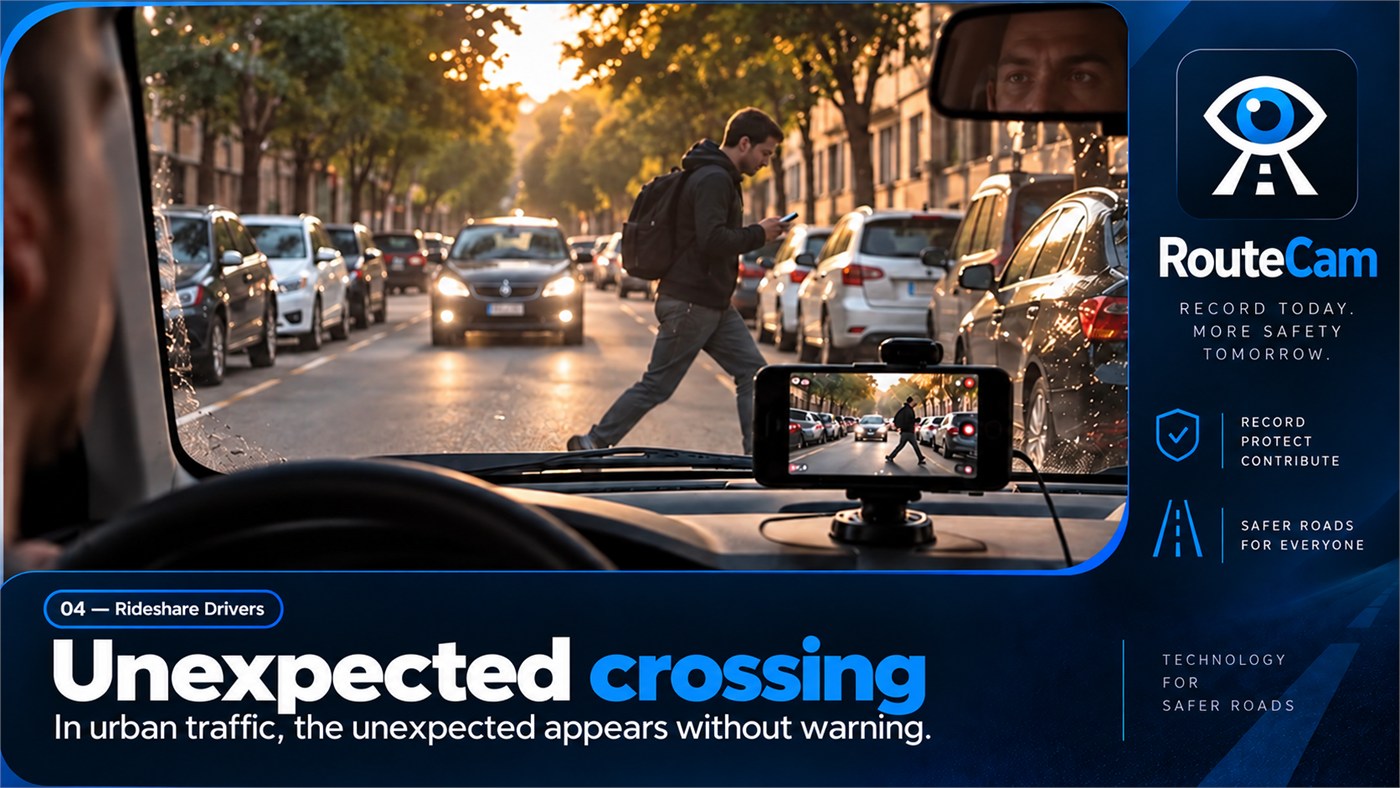
A person entering the road can create an urgent situation. A recording may preserve important visual context.
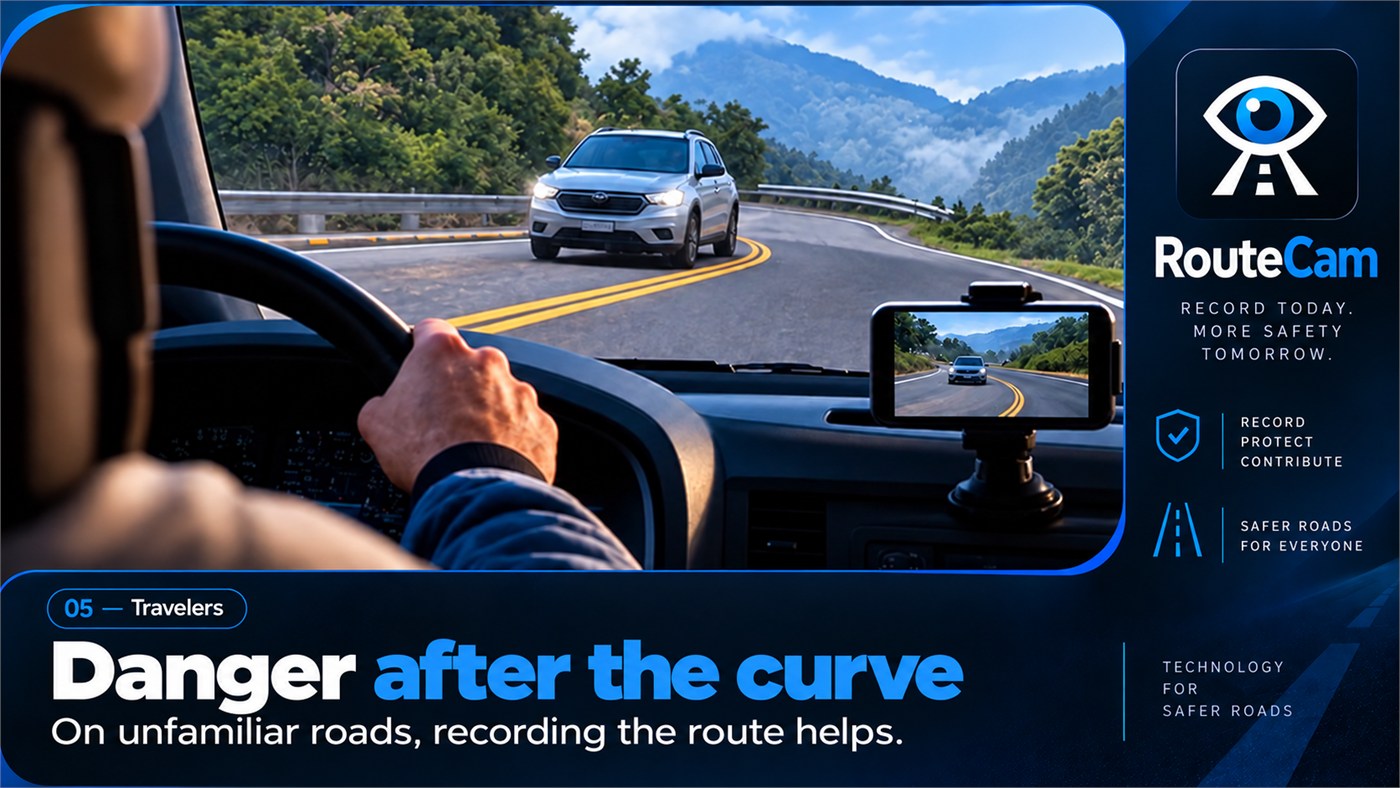
An unfamiliar curve can conceal a vehicle ahead. Recording the drive may help contextualize an unexpected encounter.
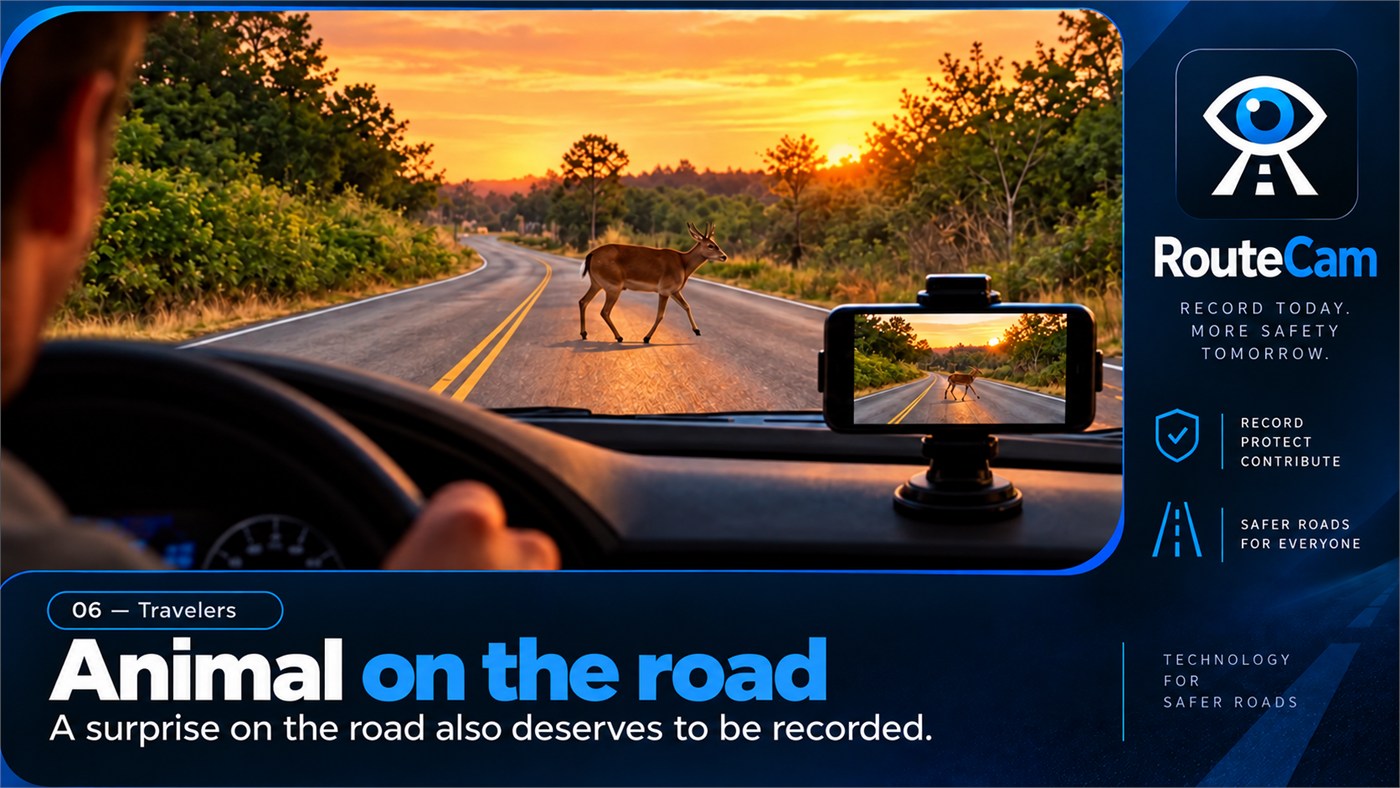
Animals may appear unexpectedly on rural highways. A running dashcam can document what happened during the journey.
Illustrative road scenes, not actual app screenshots. RouteCam records silent video only after you start a recording; it does not detect hazards or prevent crashes.
DASHCAM • ANDROID
A recording you start can continue while RouteCam is not visible, including while you use your navigation app. Android keeps a visible notification while recording continues.
Play, protect, delete and manage recordings directly on your device.
Protected videos stay outside automatic cleanup while protected. Older unprotected recordings may be removed according to the retention rules configured in the app.
Basic recording does not require location. When authorized, location can be associated locally with a recording and used to show a route mini-map when enough data is available. The mini-map provides route context, not navigation.
Creates an MP4 copy at a destination you choose through Android. The original remains in RouteCam storage.
Opens Android’s sharing interface so you can choose a compatible app. Recordings are not automatically uploaded to Lolozo Games servers.
When enabled in Settings, recording can begin when RouteCam itself is opened. RouteCam does not monitor the launch of Waze, Google Maps or other apps.
RouteCam records video without audio, and the Android version covered by the current Policy does not request microphone permission.
In the Android version covered by the current Policy, RouteCam has no Internet permission, app backend, Analytics, Crashlytics, advertising SDK or login system. Videos and optional location are processed locally. Save and Share are explicit user actions.
Privacy →